MindLake

Features

Deeper than it looks.

Everything MindLake does, grouped the way you work: keeping what you manage in order, the tools that save you time, and meetings that write themselves up.

01/Organise

Automagically organised.

Notes, tasks, lists and canvases, together in one vault of plain files you own. Everything is one click from everything else.

Notes

Write on.

Type ~, # or @ as you write and the note is filed, tagged and linked to its people. With AI on, it can do the filing for you. One click on a meeting starts its note, titled, with everyone who’s coming. Underneath, it’s one plain .md file you can open in anything, or take anywhere.

Tasks

Ticks all the boxes.

Every - [ ] you’ve ever typed, gathered into one list without copying a thing. Your meetings’ action items land there too, with the owner and due date taken from what was said. Tick one here and it’s ticked in its note. No second app to keep fed, nothing to fall out of step.

Canvas

See the bigger picture.

Canvases live in your library beside your notes and lists, on your Mac and your iPhone. Each one is saved in an open diagram format, so it’s never trapped in MindLake.

Diagram your thinking

An infinite dotted page for the plan, the org chart, or the argument that won’t come out straight in prose. Boxes snap to the grid. Connectors turn corners and carry labels. Frames keep a group together. Export a crisp PNG, or an SVG you can keep editing anywhere.


Your notes, on the board

Put a live note on the canvas with ⌘L, or turn any box into a real note when the idea outgrows it. Pictures and web pages go on too, and a canvas can sit inside a note, drawn right where you link it.

Describe it. It’s drawn.

Ask for a diagram in a sentence and the AI lays one out. Ask for a change, and the boxes you placed by hand stay exactly where they are. Any AI change can be undone. Paste a Mermaid chart and it becomes boxes you can move.

02/Tools

Capture everything.

Talk instead of typing, lift the words off any screen, and keep every source beside the note that needs it.

Capture

Captured, in a snap.

Screenshots and quick notes from anywhere on your Mac, filed where the rest of your work lives. No switching windows.

Screenshots & markup

One shortcut takes the shot, in any app. One window marks it up, hides what’s private and frames it.

  • A key for every shot. ⇧⌘1 an area, ⇧⌘2 the window you’re in, ⇧⌘3 the whole screen, ⌃⇧4 the screen in three seconds. From any app.
  • Scrolling capture. Pick a region and it scrolls for you, stitching a long page into one image. Switch it on in Settings.
  • Copy the text. ⌃⇧5 copies the words off any part of the screen, QR codes included. No picture is kept.
  • Mark it up. Arrows, boxes, a pen, a highlighter, text, numbered steps and stamps. Drag any mark to move it, or ⌥-drag for a copy.
  • Pixelate. Drag over a name, an email or a card number. The blocks go into whatever you copy or save.
  • Backdrops. 16 gradients, a colour, a picture or the shot itself blurred, with its ratio, margin, shadow and corners.
  • Measure and sample. Hold 1 or 2 to measure to the nearest edge. Click a pixel to copy its colour as hex, CSS, RGB or SwiftUI.
  • Pin, copy or save. Pin it above every app, copy it with ⌘C or save with ⌘S. The untouched original is kept beside it.

Find it from the menu bar

Search your notes, tasks, contacts and sources without opening a window. Pull up a person, copy their number, see whose birthday is next. Then carry on.

Open it from the notch

Point at the notch and it drops open: your next meeting, dictation, captures and a teleprompter. While you dictate or record, it widens either side of the camera, with its controls in reach. On a screen without a notch, a thin handle at the top does the same.

Dictate

Superhuman typing speed.

Hold Fn and talk, in any app. Let go, and the words are typed where your cursor is, minus the ums, with every correction you’ve taught it. Transcribed on your Mac, like everything else.

Average typing and speaking speeds.

Sources

Reveal your sources.

The deck from the meeting. The paper behind the argument. The page you meant to come back to. Keep each one with the note it belongs to, read by your Mac and ready to quote.

Sources, attached

Drop a PDF, a link, a screenshot or an old voice memo into the note it belongs to. Your Mac reads the text, even from a scanned page. Ask a question, and the AI answers from your sources and says which one it used.

Any document, as a note

Hand it a PDF, a deck, a spreadsheet, a recording or a video, and get a note back. The words arrive as Markdown, the charts and slides as pictures, and the original stays attached, so you can always check where a line came from.

Find sources for a topic

Say what you’re trying to understand. MindLake writes the searches, reads the results, drops what you already have, and hands you a shortlist with a reason for each. Nothing is added until you press Save. With a model on your Mac, only the search itself goes out.

AI Agents

Ask your notes anything.

Titles, summaries and speaker names can come from a model on your Mac, with no key and no network. Want more? Connect Claude or OpenAI and ask your whole vault a question. Every answer says where it came from.

  • On your Mac. Apple Intelligence or a local model.
  • Cloud when you want it. An agent you already use, or a key.
  • It tidies up. Refiles, merges and reshapes, asking first if you like.
  • Open to other assistants. A connector, read-only if you prefer.
Apple IntelligenceOn your Mac, macOS 26Local
Claude CodeYour Claude plan, as an agentCloud
Qwen3.5 9B and 3 14BLocal
CodexYour ChatGPT plan, as an agentCloud
Gemma 412B QAT and 26BLocal
ClaudeYour API keyCloud
OllamaAny local model you pullLocal
OpenAIYour API keyCloud
GLM 4.7FlashLocal
LlamaVia OllamaLocal
MistralVia OllamaLocal
DeepSeekVia OllamaLocal

03/Meetings

Minutes, in minutes.

Record any call with no bot in the room. MindLake works out who said what, files the note on your calendar and links everyone who was there.

Transcribe

Word for word.

Give the conversation your full attention. MindLake records the call, works out who said what, and hands you a note you can act on. Every word is transcribed on your Mac. Drop in a podcast, an interview or an old voice memo, and it does the same.

Transcribe
anything.

Meetings, calls, podcasts, video. Record, and the transcript, the summary and the actions land in your vault, with the actions already on your task list.

Record from the menu bar or a keystroke.

Your voice and theirs, on separate channels.

99 languages

Transcribed on your Mac, on the Neural Engine.

Every speaker separated and diarised.

Name a voice once and it’s known next time.

Or drop in audio or video you already have.

Dictate or record, with the filler trimmed.

A finished note, in plain Markdown you own.

Schedule

Ahead of schedule.

When your ten o’clock starts, one click gives you its note: titled, with everyone invited, and already recording. You start typing instead of setting up.

Contacts

On first-name terms.

Open anyone in your address book and read back every meeting and note they appear in. No CRM to keep up to date. It builds itself from the notes you were writing anyway.

Mac and iPhone

Starts on your phone. Finishes on your Mac.

Catch the thought in the corridor and watch the words appear as you talk, transcribed on the phone itself. Your Mac works out who said what when you sit down. It all travels over your own iCloud: no account of ours in the middle, nothing of yours on our servers.

  • A real Mac app

    Not a website in a window. It opens instantly, ⌃1 to ⌃9 jump to any section, and it keeps itself up to date. macOS 15 or later.

  • iPhone companion

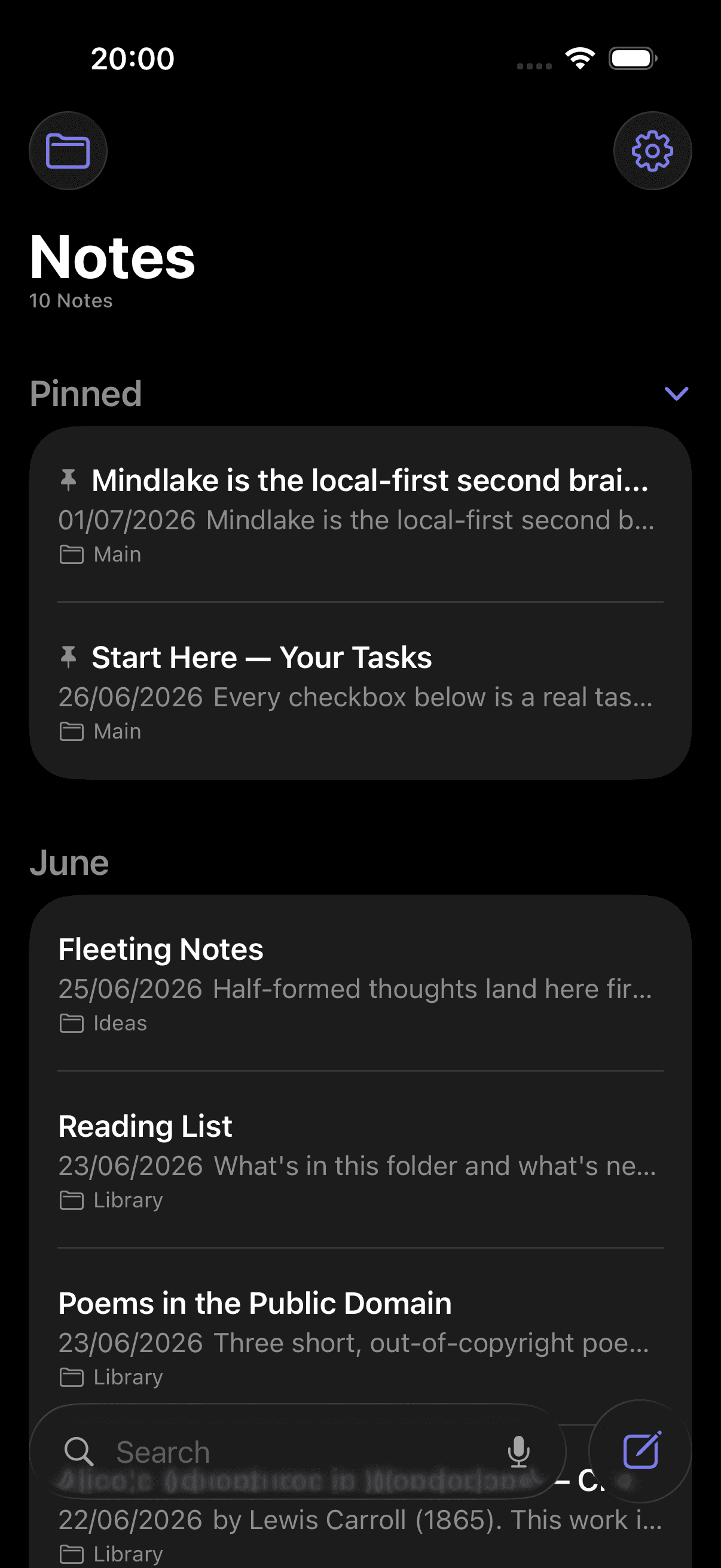
    Notes, lists, canvases and tasks in your pocket. Start a note, a task or a recording from Siri or Shortcuts.

  • Your iCloud, your sync

    Notes move between your devices over iCloud Drive. No MindLake account needed.

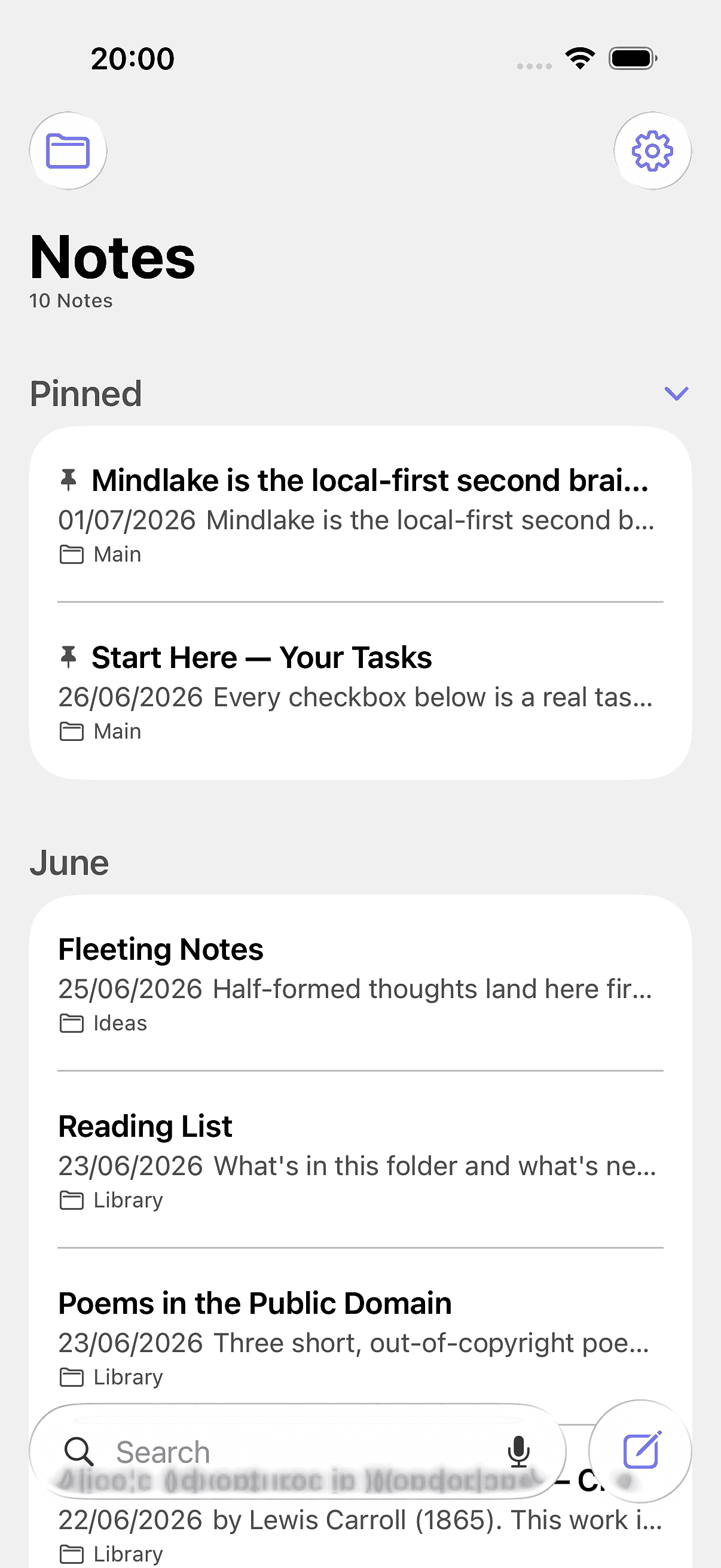
MindLake on iPhone, showing the notes list

A complete notes app

Everything else, done properly.

Twelve more things you’d otherwise keep in five apps. They all read and write the same files in your vault, so nothing needs syncing by hand.

Private by design.

Audio never leaves

Recordings and imports are transcribed on your device. Nothing is uploaded.

Offline

Record, transcribe, search and write with the Wi-Fi off.

Local models

Parakeet runs on the Neural Engine. No server, no API call, no queue.

Plain Markdown

Every note is a .md file in a folder you choose. Lists are CSV.

No account

Nothing to sign up for to try it. Any AI keys stay in your macOS Keychain.

Locked notes

Seal a note and it’s encrypted on disk. Not even the AI can read it.

Clear your head.

Who needs a second brain, when you have a MindLake?

Let’s keep in touch

I’m Kyle, and I build MindLake on my own. Leave your email and I’ll check in now and then to ask how it’s going and what you’d change.

Optional. The download starts either way.

Leave your email and you agree to hear from me about MindLake. Unsubscribe any time. Privacy

Apple silicon or Intel · macOS 15 or later